
出门在外,
让 Agent 接着干。
Your agent keeps working,
wherever you are.
RabiRoute 把 QQ、微信、企业微信、飞书的消息接给你已经在跑的 Agent。不是每句话新开一个会话——是投进桌面上那个任务里,上下文还在。 RabiRoute routes chat messages from QQ, WeChat, WeCom and Feishu into the agent task you already have running. Not a fresh session per message — the same task, the same context.
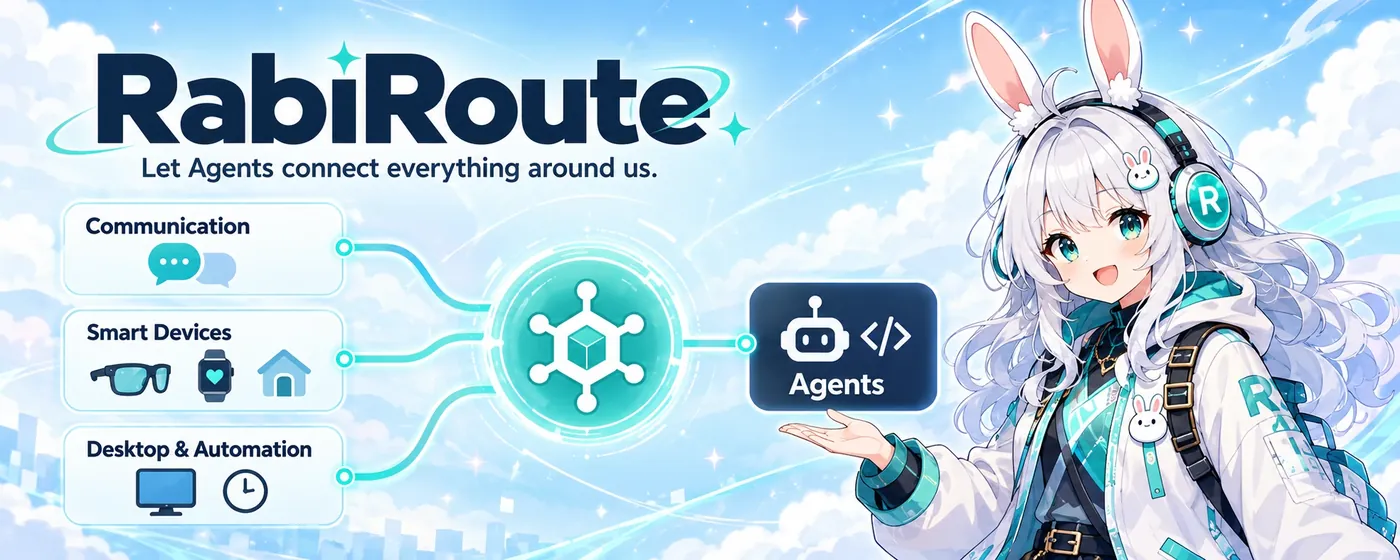
这套东西适合你吗Is it for you?
先说清楚,省得你装完才发现不对路。Better to know up front than after you have installed it.
适合,如果A good fit if you
- 已经在自己的机器上跑 Codex、DSH 或 WorkBuddyalready run Codex, DSH or WorkBuddy on a machine you control
- 有一台常开的设备:Windows 主机、NAS 或小主机keep an always-on box — desktop, NAS or mini PC
- 想在手机上接着用桌面上那个任务want to continue a desktop task from your phone
不适合,如果Not a fit if you
- 你想要注册完就能用的托管服务want a hosted service you sign up for
- 你没有常开的设备have no always-on machine
- 你只需要简单的提醒和通知only need reminders and notifications
能接什么What plugs in
每个接入项都标了真实成熟度。标「实验」的不是不能用,是需要按你的环境验收过才算数。Every integration is marked with its real maturity. "Experimental" does not mean broken — it means it has not been accepted in your environment yet.
Agent 处理端Agent backends
消息入口Message inputs
一条消息怎么变成结果From message to result
RabiRoute 只负责连接和路由。模型、工具、执行都在你的 Agent 那边——所以换模型不用改网关。RabiRoute connects and routes. The model, the tools and the execution stay with your agent — swapping models does not touch the gateway.
消息进来Message arrives
群里的一句话、一条定时任务、一次桌面截图,都会先落成一条可查的事件记录。A chat line, a schedule tick or a desktop capture lands as a recorded event first.
路由挑角色Route picks a role
按你配的规则选角色、挑一个已经存在的 Agent 任务,再把最近上下文一起带过去。Rules select the role and a specific existing agent task, then attach recent context.
结果按规则回传Reply with rules
发送是独立动作:过发送规则、写回执。哪些话该发、发到哪,都由你定。Sending is its own step: apply sending rules, record a receipt. You decide what goes where.
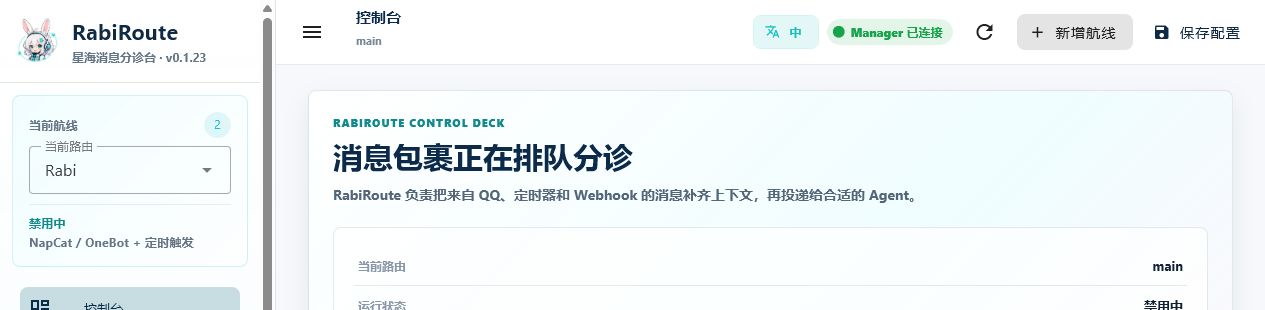
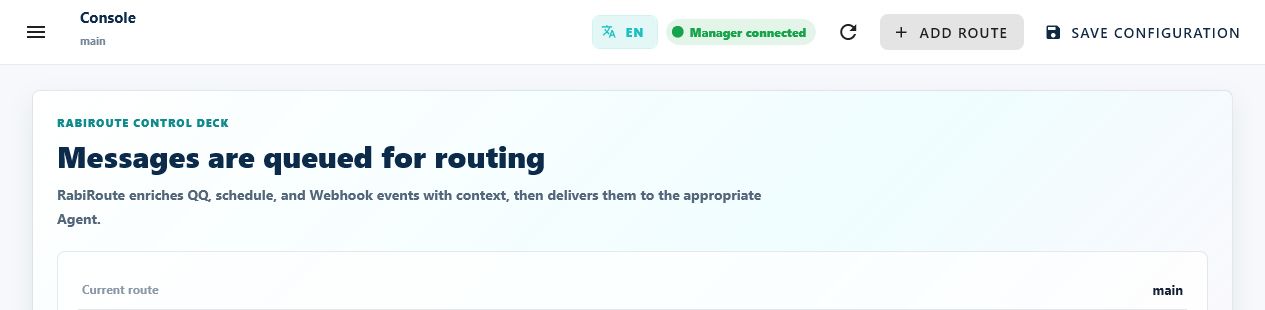
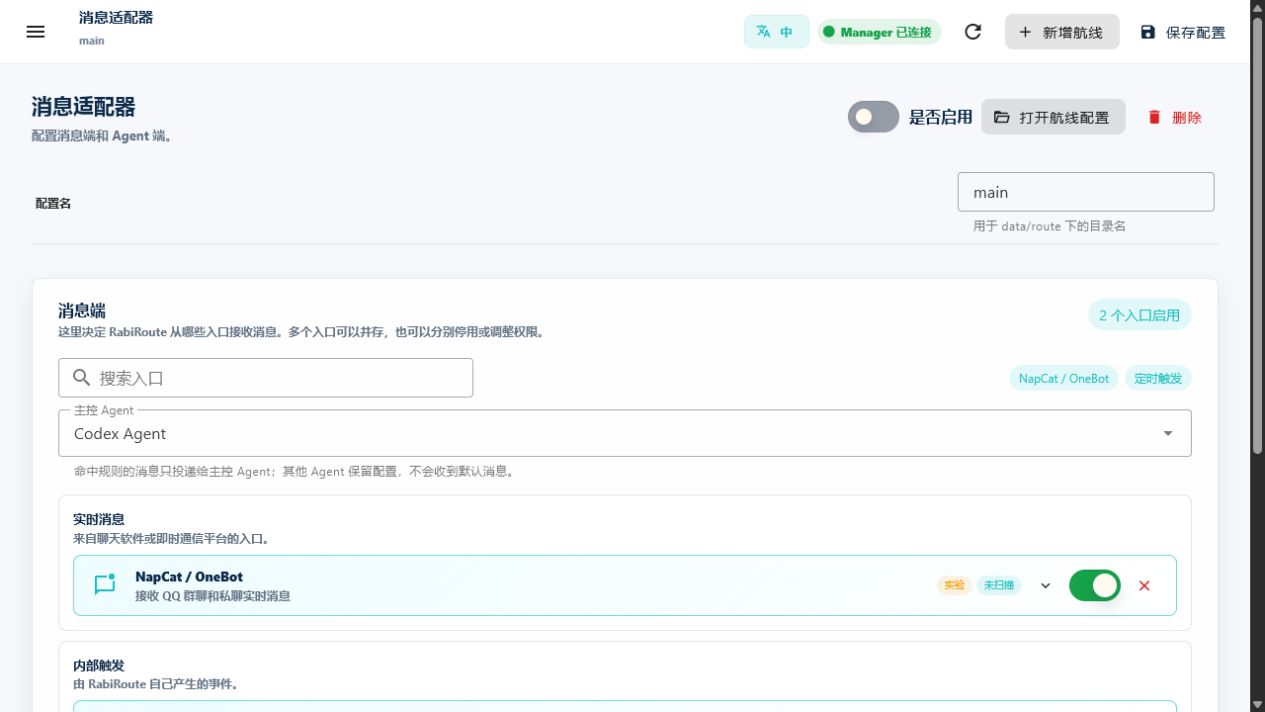
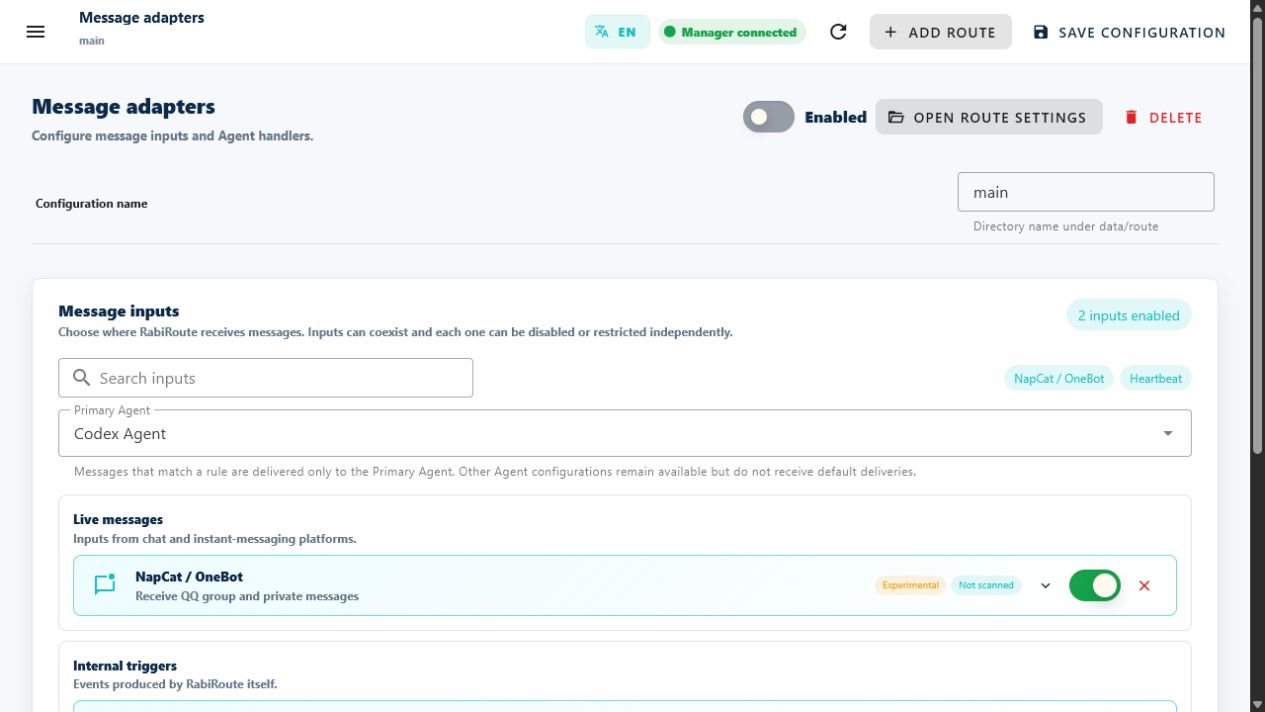
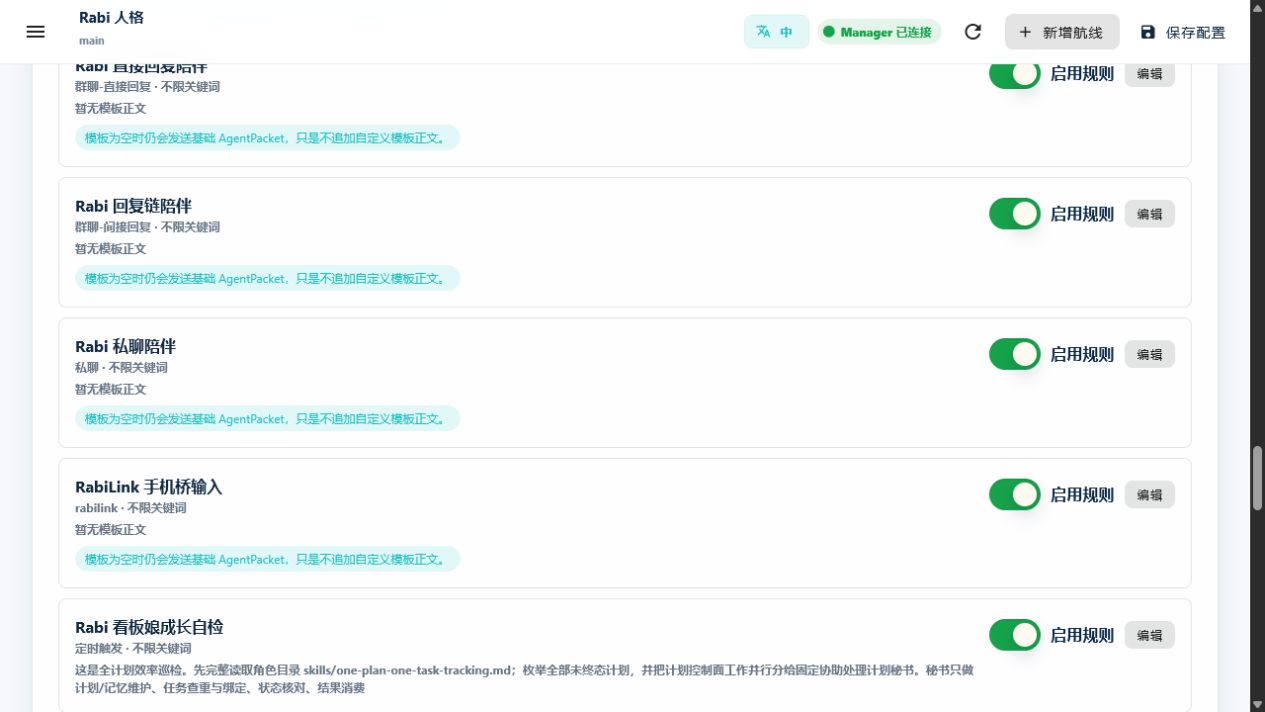
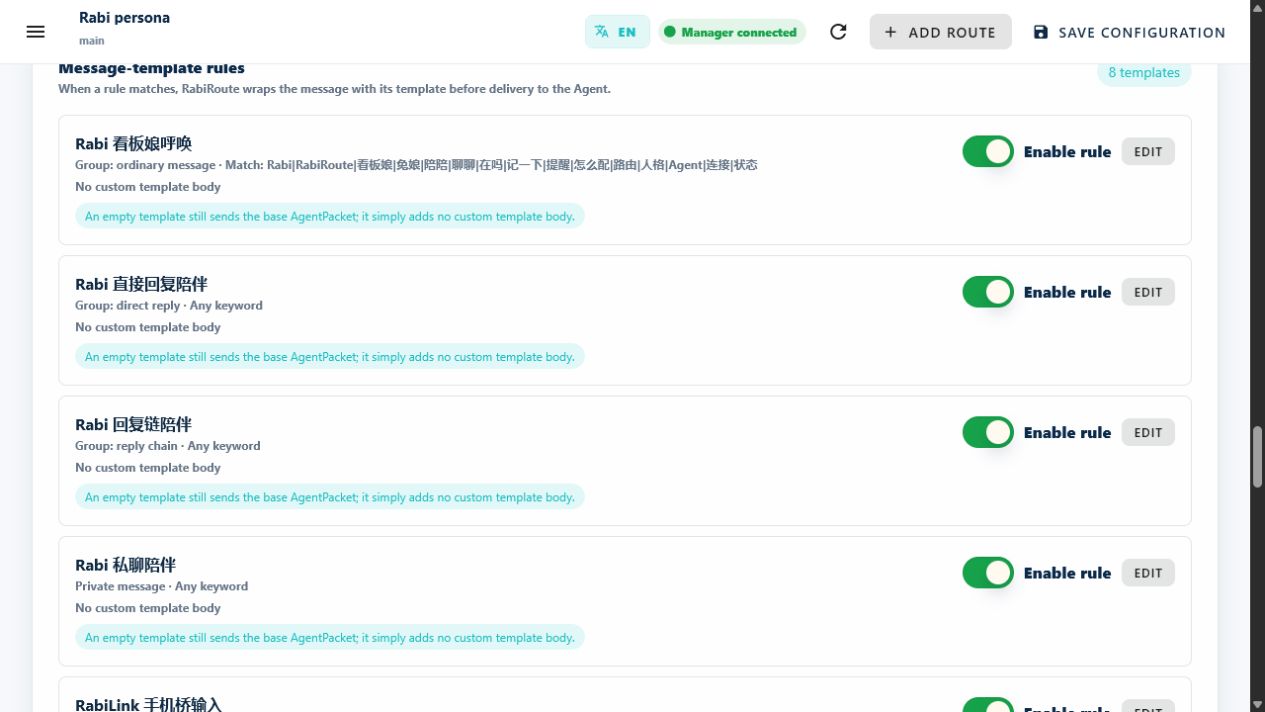
截图来自本地 WebGUI,版本 0.15.22。Screenshots from the local WebGUI, version 0.15.22.
说实话的成熟度Status, stated plainly
这个项目不把实验功能说成已完成。下面这张表来自仓库的能力矩阵,也是它在 README 里公开的样子。This project does not describe experiments as finished features. The table comes from the repository's capability matrix and is public in the README.
| 范围Area | 现状Current state |
|---|---|
| QQ / NapCat + Codex DesktopQQ / NapCat + Codex Desktop | 核心投递路径已验证Core delivery path verified |
| 路由、定时、WebGUI、角色计划与记忆Routes, schedules, WebGUI, role plans and memory | 核心路径已验证Core paths verified |
| Windows 桌面端Windows desktop | 已实现;系统交互需真机验收Implemented; system interactions need device acceptance |
| 个人微信、企业微信、飞书Personal WeChat, WeCom, Feishu | 实验 / 原型;真机验收各不相同Experimental / prototype; acceptance varies |
| 手机、眼镜、手表、Home AssistantPhones, glasses, wearables, Home Assistant | 实验;模型、网络与硬件分别验收Experimental; validated separately |
安装门槛:Node.js 22.13 以上;Windows 源码构建另需 .NET 9 SDK。这不是双击就能用的软件。 Requirements: Node.js 22.13+, plus the .NET 9 SDK for a Windows source build. This is not a double-click installer.
自己机器上的东西,自己拿主意Your machine, your call
MIT 协议,没有账号体系,没有额度,没有中转服务器。跑起来要花点时间,但跑起来之后它就是你的。MIT licensed. No accounts, no quota, no relay server. Setup takes effort — afterwards it is yours.